Microsoft Teams and Vonage Business Communications
Did you know Vonage Business Communications (VBC) adds reliable and cost-effective calling to Microsoft Teams? Choose from two integration options depending on your business needs — one provides embedded enterprise-grade communications features through direct routing, and the other is a simple voice solution within the Microsoft Teams interface.

Thanks for reaching out!
We'll get back to you as soon as we can. In the meantime, feel free to explore more about Vonage and how we're making communications more flexible, intelligent, and personal so our customers can stay ahead.

Vonage Business Communications MS Teams Integration
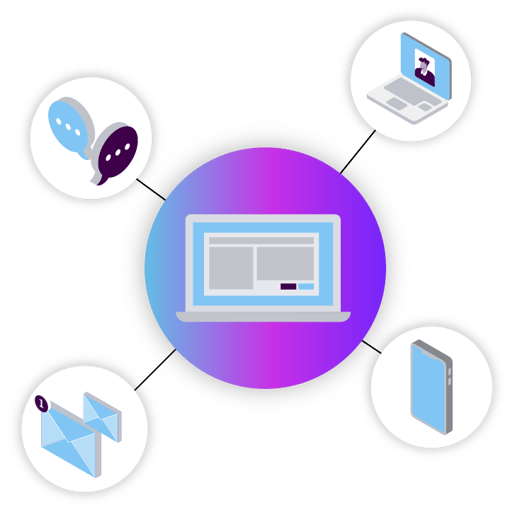
VBC for Microsoft Teams
Enjoy additional premium-PBX, enterprise-grade features integrated into your Microsoft Teams app.
20+ premium calling features native to Microsoft Teams3
Automated onboarding—start calling in minutes
Supported by Vonage's direct routing
Global world numbers for local inbound calling
Microsoft Teams phone license required
Plus access to SMS and Fax on Microsoft Teams if enabled on your VBC account4
Thanks for reaching out!
We'll get back to you as soon as we can. In the meantime, feel free to explore more about Vonage and how we're making communications more flexible, intelligent, and personal so our customers can stay ahead.

VBC Lite for Microsoft Teams
Enable calling from an easy-to-access dialpad within your Microsoft Teams app.
Basic calling features from within Microsoft Teams3
Automated onboarding—start calling in minutes
No Microsoft Teams phone license required
Plus access to SMS and Fax on Microsoft Teams if enabled on your VBC account4
Thanks for reaching out!
We'll get back to you as soon as we can. In the meantime, feel free to explore more about Vonage and how we're making communications more flexible, intelligent, and personal so our customers can stay ahead.
1 Two free Microsoft Resource Licenses required
3 Microsoft Phone App required
4Available in North America only. Additional fees may apply.

Access calling without leaving the Microsoft Teams environment:
Communicate seamlessly with Vonage calling features integrated into Microsoft Teams.
Depend on better business continuity:
Leverage a reliable second communications option with Vonage in Microsoft Teams.
Enhance communications internally and externally:
Utilize Vonage’s advanced features for routing calls, plus communicate via SMS and fax.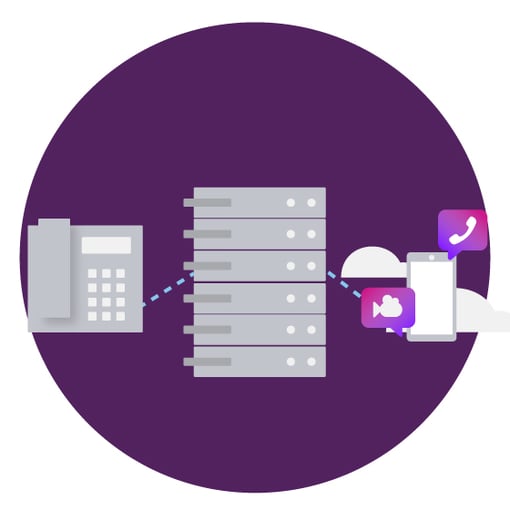
Direct routing
Want to control it all? Then choose direct routing from Vonage to retain existing Vonage Business Communications lines and calling plans, which provide the greater quality and reliability often required by customers.
Protect your IT investments by combining internal and external communications into one seamless system.
Gain total control of your immersive unified communications experience.
Toggle to VBC anytime to keep calling, messaging, and video conferencing.
Ready to start calling with Vonage?
Compare plans & buy online Schedule a conversation 1-855-430-6401

“Vonage Business Communications was the one solution that met all our needs. We have a convenient, single application integration with Microsoft Teams, as well as the ability to support our international locations.”

Still deciding?
Meet the communication needs of your organization by selecting either VBC Lite for Microsoft Teams, VBC for Microsoft Teams, or both. Communicate your way.
- Give your organization great calling options within the Microsoft Teams app.
You now have choices — let Vonage help you get the most out of Microsoft Teams.
Get reliable and redundant calling while meeting your communication budgets.
Want to leverage the same calling capabilities across other Microsoft 365 tools? Click here for more information.
Ready to start calling with Vonage?
Compare plans & buy online Schedule a conversation 1-855-430-6401